
Description
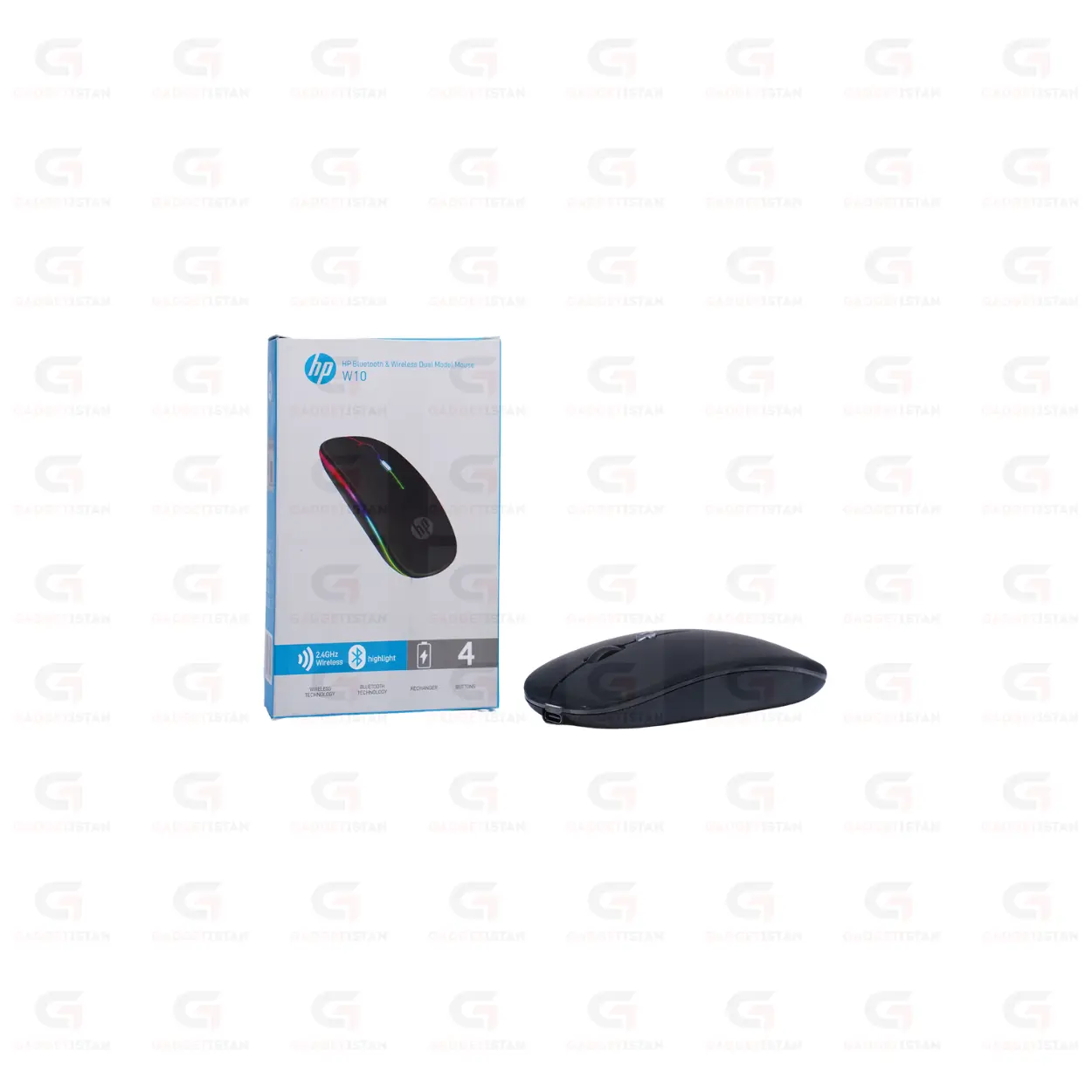
HP W10 Bluetooth and USB Wireless Rechargeable Mouse – Dual-Mode Silent Mouse with USB-C Charging for Laptop, PC and Tablet
The Hp W10 Bluetooth Wireless Reachable Mouse have dual-mode that connects via Bluetooth 5.0 or a 2.4GHz USB nano receiver, whichever suits the device you are using. It has a built-in rechargeable battery that charges through a USB-C port, uses silent click switches on the left and right buttons, and tracks through an optical sensor on most flat surfaces. It is compatible with Windows 10, Windows 11, macOS, Android, and Linux. The compact ergonomic body is designed for laptop users who carry their mouse between locations daily.
The combination of Bluetooth and 2.4GHz in a single mouse is the key feature here. Bluetooth 5.0 lets you connect to tablets, phones, and laptops without using a USB port. The 2.4GHz nano receiver provides a faster, lower-latency connection for desktop PCs and laptops where a USB port is available. You can use both connection types on different devices and switch between them.
Before publishing, one verification note: the HP branding on this product should be confirmed as genuine HP or third-party before listing it under the HP name, for the same reasons noted on the Dell mouse pages. HP does produce wireless mice including the HP W10 model, so this is more likely to be genuine than the Dell replica, but confirmed on the box.
Available at Gadgetistan | Price: Rs 1100 | Fast delivery across Pakistan
Dual-Mode Connectivity – Bluetooth and 2.4GHz
The HP W10 supports two independent wireless connection methods that can be used with different devices.
Bluetooth 5.0 mode connects to any Bluetooth-enabled laptop, tablet, smartphone, or desktop without occupying a USB port. This matters for users with limited USB ports on thin laptops, or for tablet and phone use where there is no USB-A port available. Bluetooth pairing is done through your device’s Bluetooth settings in the standard way and the connection is remembered for future sessions.
The 2.4GHz USB nano receiver mode provides a connection through a USB-A port using the included nano receiver. This mode typically offers slightly lower latency than Bluetooth, which makes it the preferred connection for desktop PC use and for laptop users who have a USB port free. The nano receiver plugs in once and pairs automatically without any configuration.
USB-C Rechargeable Battery
The HP W10 charges through a USB-C port, which is the current standard port found on modern laptops, smartphones, power banks, and USB-C wall adapters. This means any USB-C cable you already own works for charging the mouse, with no need to keep a proprietary or Micro-USB cable specifically for it.
The HP W10 mouse Battery capacity are 500 mAh. Its charging time from empty to full 30 to 45 minutes. Full charge mice range from 30 to 60 days under typical daily use.
The USB-C charging port replaces the need for AA or AAA batteries entirely. The built-in lithium battery recharges like a phone and should last for one to two years of regular charge cycles before capacity begins to degrade noticeably.
Silent Click Switches
The HP W10 uses internally dampened silent click switches on both the left and right buttons. Standard mouse switches produce an audible mechanical click on press and release. The silent switches on the W10 absorb the sound internally, reducing click noise by approximately 80 to 90 percent while preserving the tactile feedback on each press.
This makes the W10 practical in shared office environments, meeting rooms, libraries, study spaces, and late-night home sessions where standard mouse clicks would be disruptive. During video calls on Zoom, Google Meet, or Microsoft Teams, silent switches prevent click sounds from being transmitted through a laptop microphone at standard sensitivity.
Optical Sensor and DPI
The W10 uses an optical sensor for cursor tracking. It performs reliably on most standard flat surfaces including wooden desktops, fabric mouse pads, plastic tabletops, and smooth cloth surfaces. It does not track accurately on transparent glass or mirror-finish reflective surfaces.
DPI value or range 800 To 1600 With 3 Gear DPI.
Compact Ergonomic Design for Travel
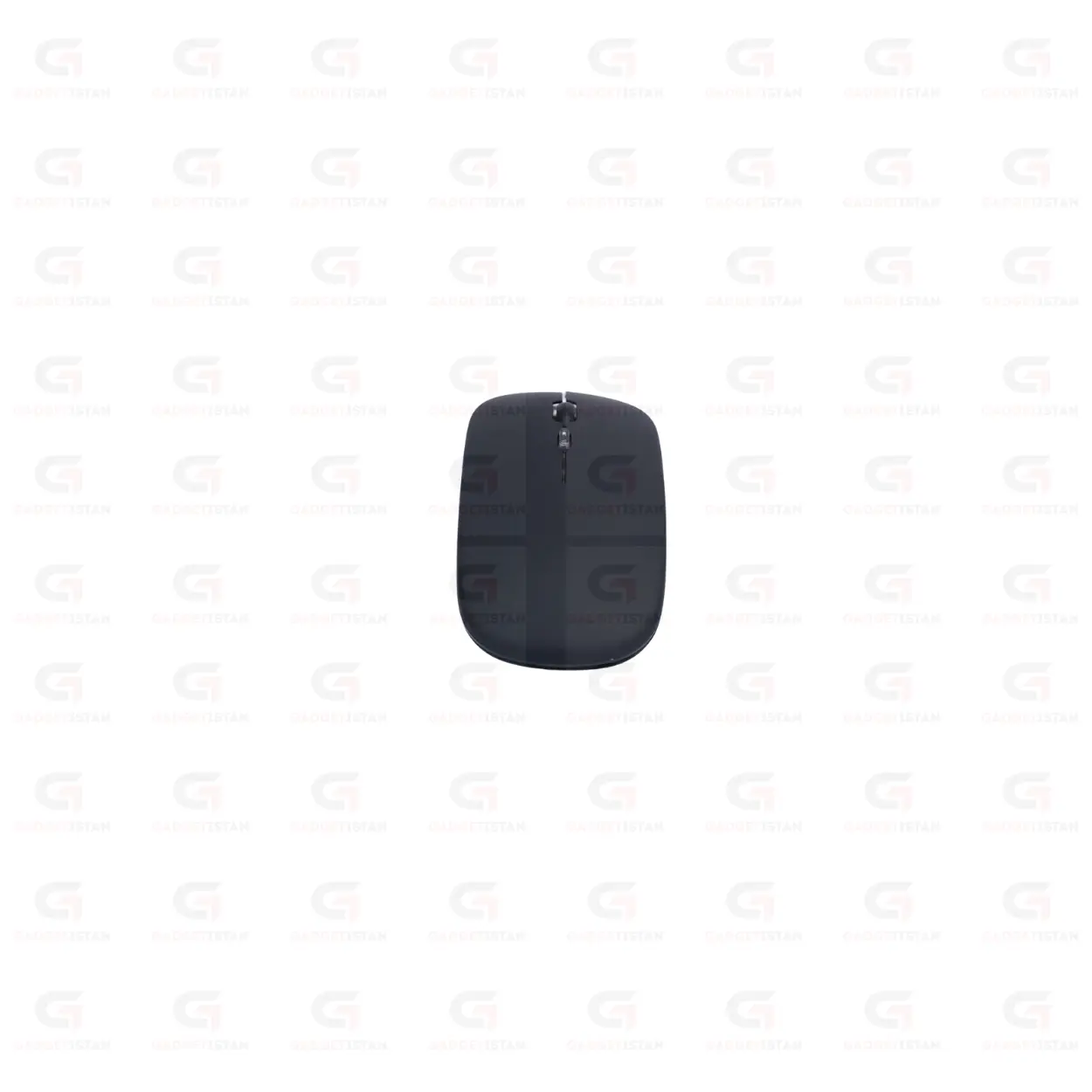
The W10 has a compact ergonomic body sized for laptop users who carry their mouse daily. It is smaller than a full-size desktop mouse, which makes it easier to pack in a laptop bag, side pocket or backpack without taking up significant space. Hp W10 Bluetooth Wireless Reachable Mouse weight are only ±70g grams.
The three-button layout includes left click, right click, and a center scroll wheel with middle-click function.Side buttons are not present.
Android and Tablet Compatibility
The HP W10 works with Android tablets and smartphones through Bluetooth. Most Android devices running Android 5.0 and above support Bluetooth HID mouse input, meaning the W10 connects and controls the cursor on Android the same way it does on Windows or macOS. This is useful for tablet users who use a keyboard and mouse setup for productivity apps on Android.
For iPads running iPadOS 13 and above, Bluetooth mouse support is available through Accessibility settings or directly through Bluetooth pairing depending on the iPadOS version.
How the HP W10 Compares to Other Mice in This Catalog
The HP W10 is the only mouse in Gadgetistan’s current lineup that combines all four of these features in one product: dual-mode Bluetooth and 2.4GHz connectivity, USB-C rechargeable battery, silent click switches, and broad device compatibility including Android tablets.
The Crystal Wireless Rechargeable Mouse has USB-C charging but is 2.4GHz only with no Bluetooth. The Coolbell Flexi and A4Tech G3-200NS have silent clicks but run on replaceable batteries with no Bluetooth. The HP W10 is the right choice when Bluetooth connectivity for a tablet or laptop without a USB port is needed alongside silent operation and rechargeable convenience.
Who Should Buy the Hp W10 Bluetooth Wireless Reachable Mouse?
The Hp W10 Bluetooth Wireless Reachable Mouse is well suited to users who work across multiple devices and want one mouse that covers all of them. Professionals who use a laptop at the office and a tablet at home can connect the W10 to both via Bluetooth without carrying separate mice. Laptop users with limited USB ports who need Bluetooth to avoid occupying a USB-A slot will find the dual-mode useful. Students who use a tablet for study and a laptop for writing can switch the W10 between both devices.
The silent clicks make it additionally practical for open office environments, library study sessions, and video call setups where audible clicks would be disruptive.
It is not designed for competitive gaming. The optical sensor and button layout target productivity and everyday use rather than gaming precision.
Technical Specifications Hp W10 Bluetooth Wireless Reachable Mouse
| Specification | Details |
| Product Type | Dual-Mode Wireless Silent Mouse |
| Connectivity | Bluetooth + 2.4GHz RF |
| Bluetooth Version | Bluetooth 5.0 |
| USB Receiver | USB Nano Receiver (2.4GHz mode) |
| Sensor Type | Optical |
| DPI | 800 To 1600 With 3 Gear DPI |
| Click Type | Silent |
| Buttons | 3 buttons |
| Scroll Wheel | Yes smooth |
| Grip Style | Right-hand |
| Charging Port | USB Type-C |
| Battery Type | Built-in Rechargeable Lithium |
| Battery Capacity | 500 mAh |
| Charging Time | 30 to 45 minutes |
| Use Time Per Charge | 30 to 60 days |
| Usable While Charging | Yes |
| Auto Sleep Mode | Yes |
| Installation | Plug-and-play (2.4GHz), Bluetooth pairing |
| Supported OS | Windows 10 / 11, macOS, Android, Linux |
| iPad / iOS Support | Yes |
| Compatible Devices | Laptop, Desktop PC, Tablet, Smartphone, Mini PC |
| Weight | ±70g grams |
| Color | Black |
| Price (Pakistan) | Rs 1100 |
Fill in before publishing: Bluetooth version, DPI, charging time, use time per charge, whether usable while charging, multi-device switching method, iPad compatibility, grip style, button count, scroll wheel type, battery capacity, weight, and color. Charging time and use time per charge are the two most important specs missing from this page.
Frequently Asked Questions
What is the difference between the Bluetooth and 2.4GHz modes on the HP W10?
Bluetooth mode connects to any Bluetooth-enabled device without using a USB port. This is useful for tablets, phones, and laptops where you want to save the USB port for other accessories. The 2.4GHz mode uses the included USB nano receiver plugged into a USB-A port and typically offers slightly lower and more consistent input latency than Bluetooth. For desktop PC use and laptop use where a USB port is available, 2.4GHz is the preferred connection. For tablet and multi-device use where Bluetooth is more convenient, Bluetooth mode covers the requirement cleanly.
Can I use the HP W10 with a tablet or iPad?
Yes for Android tablets and smartphones running Android 5.0 and above, which support Bluetooth HID mouse input natively. Connect through Bluetooth in your device’s Bluetooth settings and the W10 controls the cursor on Android apps and interfaces.
Does the HP W10 work on a laptop without a USB port?
Yes. The Bluetooth mode on the HP W10 connects to any Bluetooth-enabled laptop without occupying a USB port. This is the primary advantage of dual-mode connectivity for thin laptop users with limited ports. Pair through your laptop’s Bluetooth settings and the mouse connects without using a USB-A or USB-C port. If your laptop’s Bluetooth is unavailable or disabled, you can use the 2.4GHz nano receiver through a USB-A to USB-C adapter if needed.
How quiet are the silent clicks on the Hp W10 Bluetooth Wireless Reachable Mouse?
The silent switches reduce click noise by approximately 80 to 90 percent compared to standard mechanical mouse switches. The tactile feedback on each press is fully preserved, meaning you feel each click clearly. The audible sound is reduced to a quiet muffled click rather than the sharp sound of a conventional switch. In a quiet shared office or library, the clicks are not noticeable from more than a meter away, and they are generally not picked up by a laptop microphone during video calls at standard sensitivity.
What is the price of the HP W10 in Pakistan?
The HP W10 Bluetooth USB Wireless Rechargeable Mouse is available at Gadgetistan for Rs 1100. Order online for fast delivery to Lahore, Karachi, Islamabad, Rawalpindi, Faisalabad, Multan, Peshawar, Sialkot, Gujranwala, and all major cities across Pakistan.
Buy Hp W10 Bluetooth Wireless Reachable Mouse Online in Pakistan
The HP W10 is the most versatile mouse in this category at its price point. Dual-mode Bluetooth and 2.4GHz connectivity, USB-C rechargeable battery, silent click switches, and compatibility with Windows, macOS, Android, and Linux make it the right choice for users who work across multiple devices and want one mouse that handles all of them quietly and without battery replacements.
Order today from Gadgetistan and get fast delivery to Lahore, Karachi, Islamabad, Rawalpindi, Faisalabad, Multan, Peshawar, Sialkot, Gujranwala, and all major cities across Pakistan.

Reviews
There are no reviews yet.