
Description
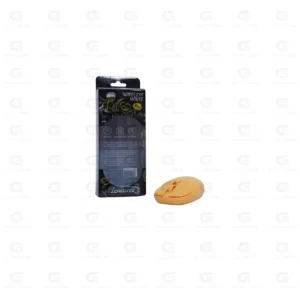
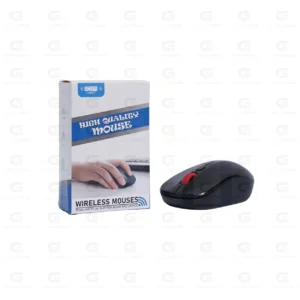
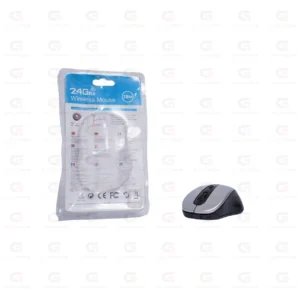
2.4GHz Wireless USB Gaming Mouse – Ergonomic Optical Mouse with Adjustable DPI and Multi-Button Control
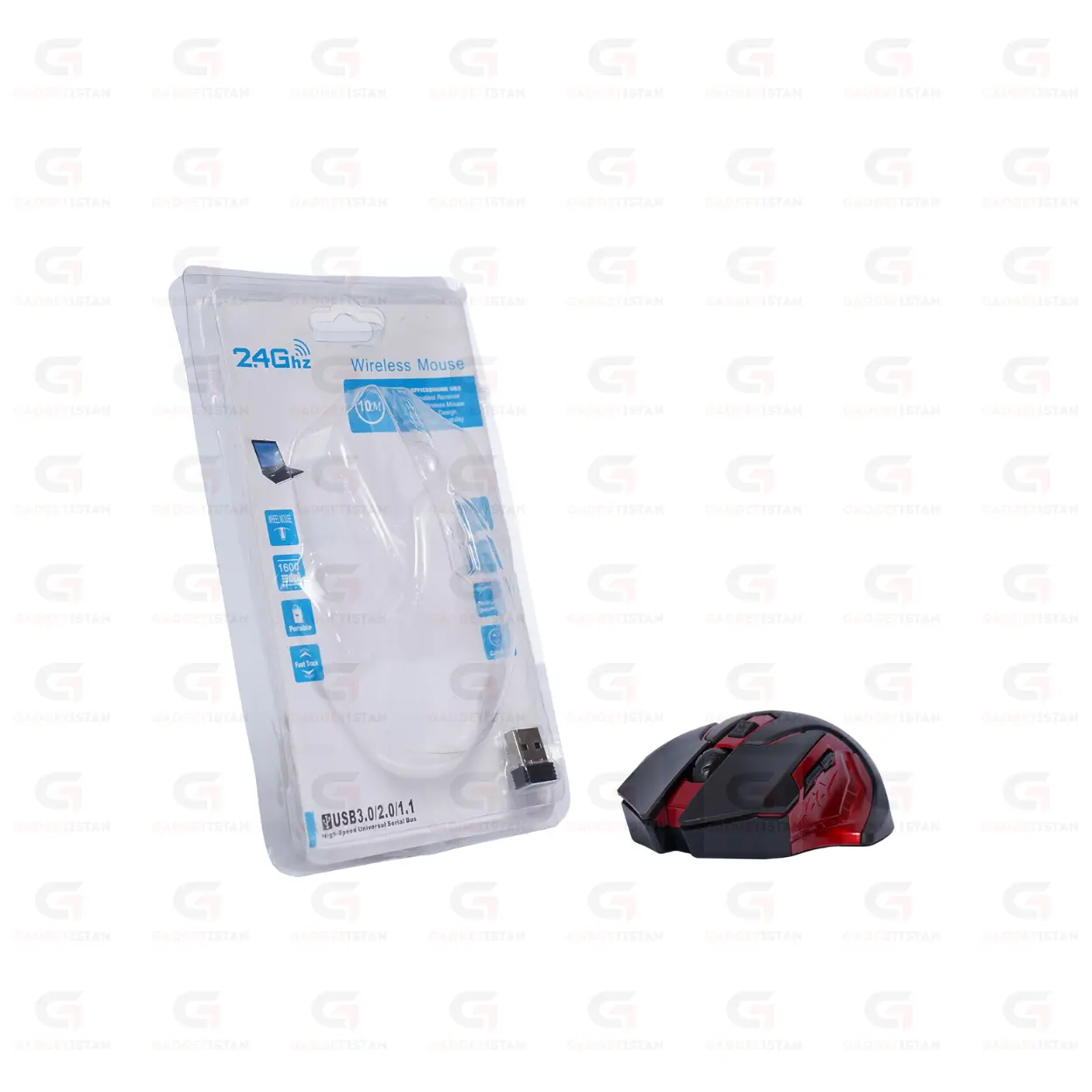
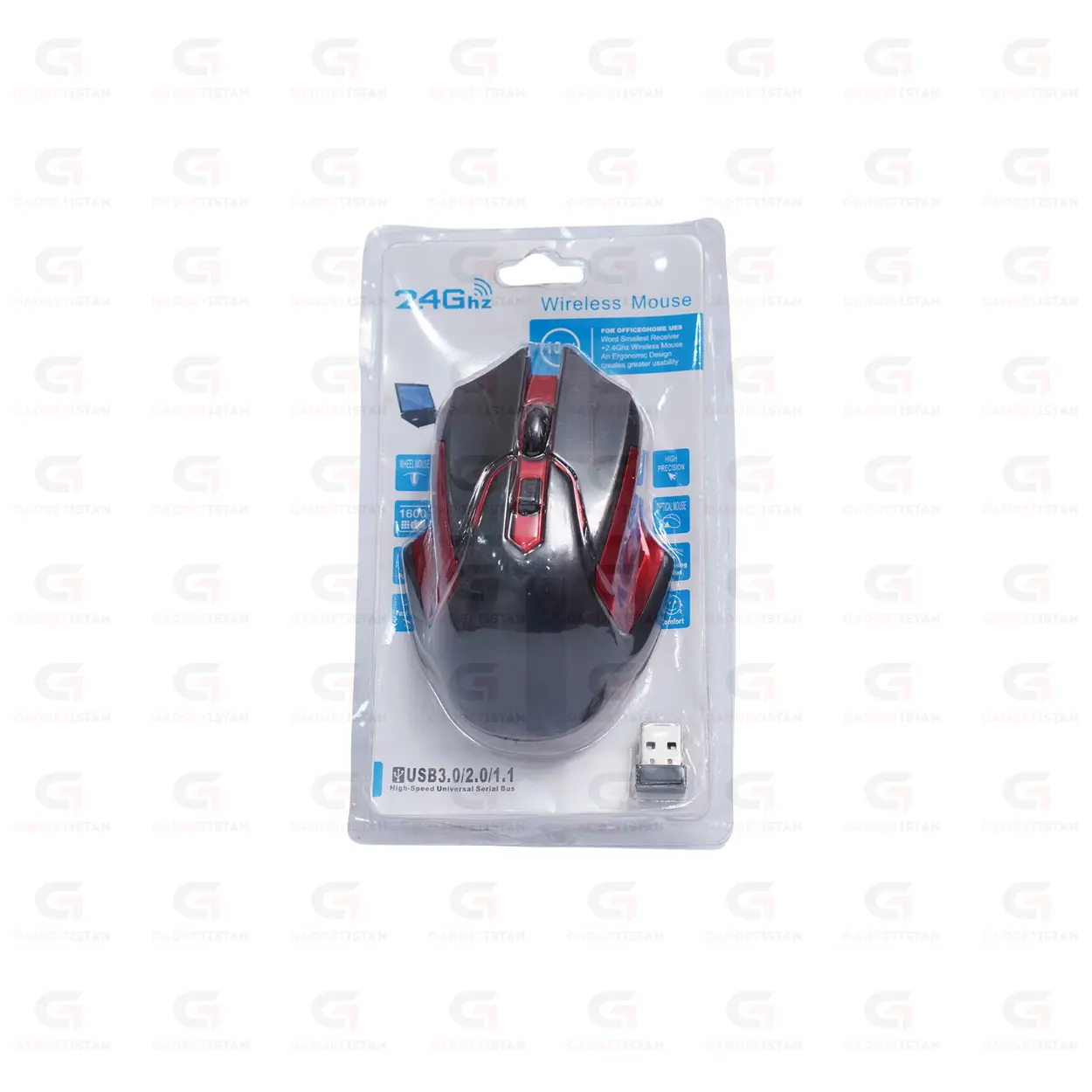
This 2.4GHz wireless gaming mouse connects through a USB nano receiver and uses an optical sensor with adjustable DPI for precise cursor tracking. It includes multiple programmable buttons beyond the standard left, right, and scroll click, an ergonomic body shaped for extended grip sessions, and plug-and-play USB HID connectivity with no drivers required. It runs on battery power and works on Windows, macOS, and Linux.
This is a step up from a standard office wireless mouse. The adjustable DPI, additional buttons, and optical sensor tuned for fast tracking are aimed at gaming use, though it works equally well for general productivity and everyday computing.
Available at Gadgetistan | Price: Rs 1450 | Fast delivery across Pakistan
Optical Sensor with Adjustable DPI
The mouse uses an optical sensor that tracks movement by reading reflected light from the surface beneath it. DPI, which stands for dots per inch, controls how far the cursor moves relative to physical hand movement. Higher DPI means the cursor moves further with less hand movement, which matters for fast-paced gaming where quick target acquisition is needed.
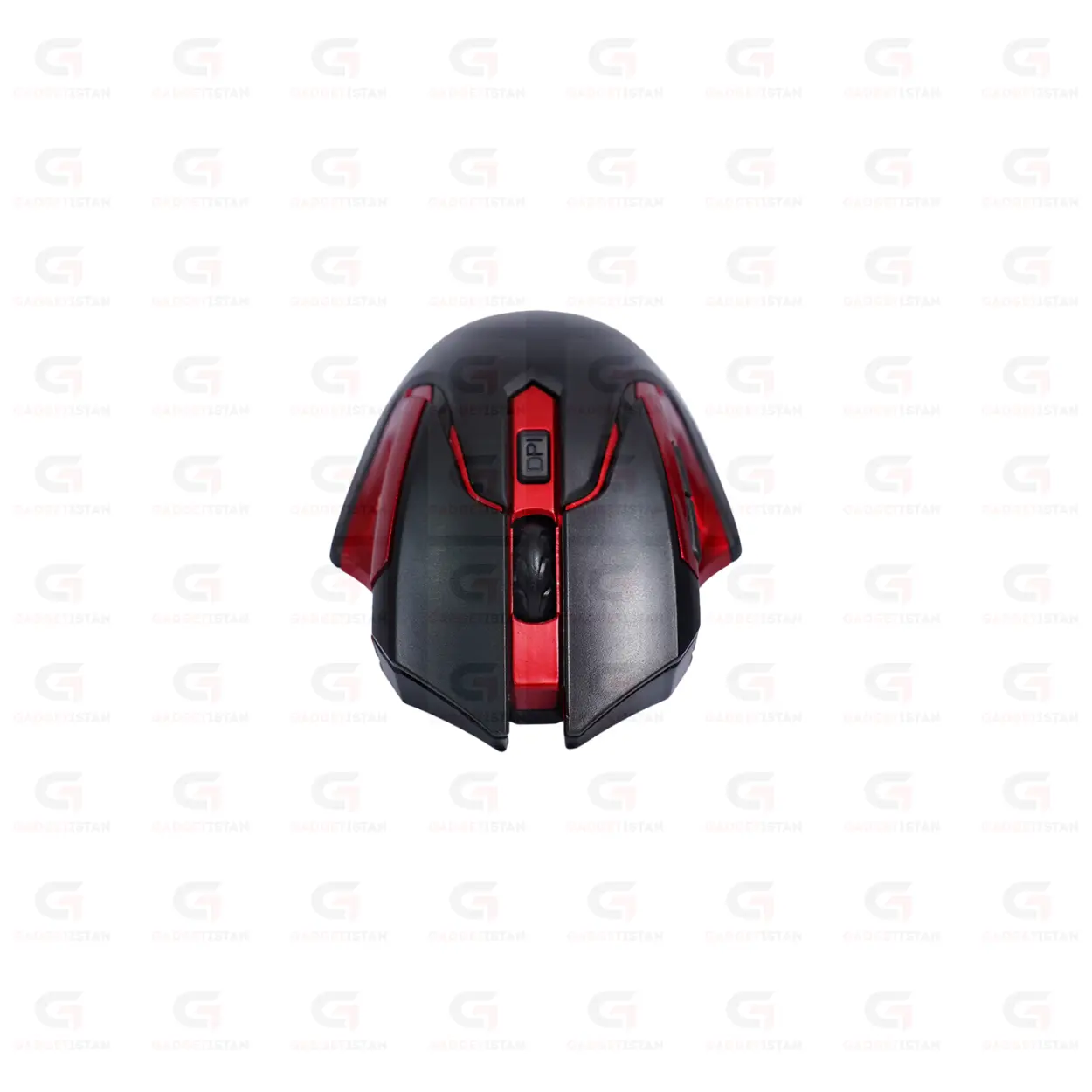
DPI is typically adjusted using a dedicated button on top of the mouse, cycling through preset levels.
For office and general productivity use, a DPI in the 800 to 1600 range feels most natural. For gaming, particularly fast-paced shooters, many players prefer higher DPI settings between 1600 and 3200, adjusted to personal preference and screen resolution.
2.4GHz Wireless Connection for Gaming
The mouse uses 2.4GHz RF wireless technology through a USB nano receiver rather than Bluetooth. This distinction matters for gaming specifically. Bluetooth mice often introduce slightly higher input latency due to the Bluetooth connection protocol, while 2.4GHz RF connections used in dedicated gaming receivers typically offer lower and more consistent latency.
The USB nano receiver should be plugged directly into a USB port on your PC or laptop rather than through a USB hub for the most consistent connection, particularly during gaming sessions where input timing matters.
Multi-Button Layout for Gaming and Productivity
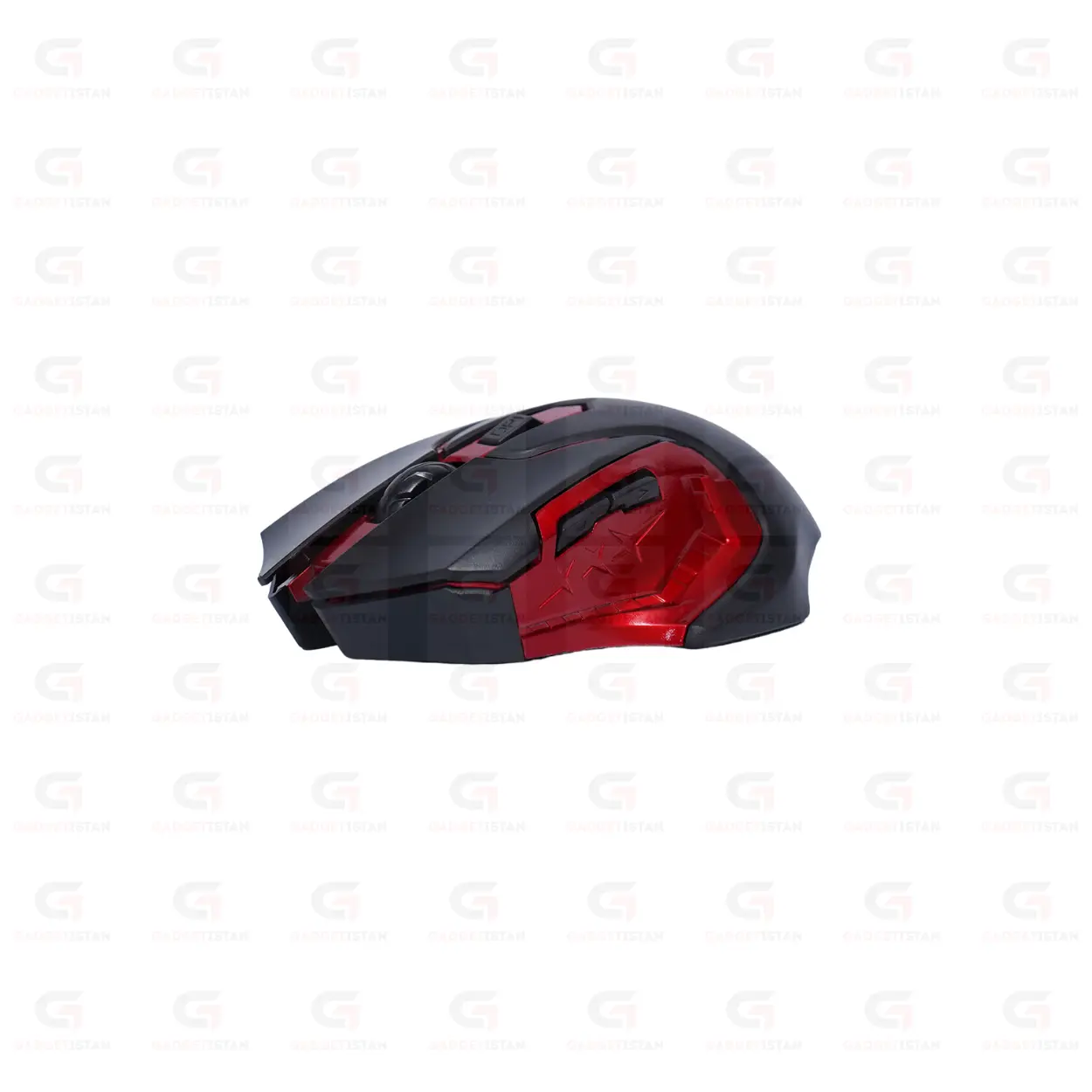
Beyond the standard left click, right click, and scroll wheel click, this mouse includes additional programmable buttons.
In gaming, additional buttons are commonly mapped to in-game actions such as weapon switching, ability activation, or macro commands, depending on whether the mouse software supports custom button mapping.
For productivity use, side buttons are commonly used for forward and back navigation in web browsers and file explorers, which speeds up everyday browsing and file management tasks.
Ergonomic Shape for Extended Sessions
The mouse body is shaped to support a relaxed hand position during long gaming or work sessions.
Weight distribution affects comfort and control during fast mouse movements common in gaming.
The textured grip surface on the sides helps maintain control during fast directional changes, which matters in gaming scenarios where precise stops and quick redirection are common.
Battery Power and Sleep Mode
The mouse runs on 2 x AAA Battery and includes a low-power sleep mode that activates after a period of inactivity to extend battery life between replacements or charges.
For gaming specifically, sleep mode wake latency matters. A mouse that takes a noticeable moment to wake from sleep can cause a delay at the start of a gaming session. Standard wake latency for most wireless mice in this category is under one second.
Plug-and-Play on Windows, macOS, and Linux
The mouse uses the USB HID standard, which all major operating systems support natively. Plug the nano receiver into a USB port, and the mouse is recognized automatically with no driver installation needed.
Full functionality, including standard cursor movement, scrolling, and left and right click, works immediately on Windows, macOS, and Linux without any software. If the mouse includes companion software for custom DPI profiles or button remapping, that software is typically Windows-only, which is standard across most gaming mice in this category
Who Should Buy This Gaming Mouse?
This mouse suits casual to mid-level gamers who want better tracking accuracy and more buttons than a standard office mouse, without paying for a high-end wired gaming mouse with extreme polling rates and extensive RGB customization. It also works well for general productivity users who want a more capable mouse for everyday multitasking, given its adjustable DPI and extra buttons.
It is not aimed at competitive eSports players who require the lowest possible latency and the highest polling rates, where a wired gaming mouse typically still outperforms wireless options at this price point. For casual gaming, productivity, and everyday use, this mouse offers a meaningful upgrade over a basic office mouse.
Technical Specifications
| Specification | Details |
| Product Type | Wireless Gaming Mouse |
| Wireless Technology | 2.4GHz RF |
| Interface | USB Nano Receiver |
| Sensor Type | Optical |
| DPI Range | 3200 DPI |
| DPI Switching | Button under the scroll |
| Power Source | 2 x AAA Battery |
| Battery Life | 1 to 2 Week |
| Sleep Mode | Yes |
| Installation | Plug-and-play, no drivers required |
| Supported OS | Windows, macOS, Linux |
| Compatible Devices | Desktop PC, Laptop, Notebook |
| Weight | 60 g |
| Price (Pakistan) | Rs 1450 |
Fill in before publishing: DPI range and switching method, polling rate, exact button count and functions, grip style, battery type and life, weight, and whether companion software is included. DPI range and polling rate are the two most important missing specs for a gaming mouse listing and should be prioritized first.
Frequently Asked Questions
What DPI range does this gaming mouse support?
This is the most important FAQ for a gaming mouse and currently cannot be answered without the exact spec. Once verified, write the answer here covering the DPI range, the number of preset levels, and how to switch between them. Example structure: “This mouse supports
What is the difference between this mouse and a Bluetooth mouse for gaming?
This mouse connects via 2.4GHz RF wireless technology through a dedicated USB nano receiver rather than Bluetooth. Bluetooth connections route through a more complex pairing and data protocol that can introduce slightly higher and less consistent input latency, which matters in gaming where milliseconds affect responsiveness. The 2.4GHz RF connection used here is the same approach used by most dedicated wireless gaming mice, offering lower latency than typical Bluetooth mice while still being fully wireless.
Does this mouse require driver installation?
No. The mouse uses the USB HID standard for core functionality, including cursor movement, clicking, and scrolling, which is natively supported by Windows, macOS, and Linux with no driver installation needed. Plug the USB nano receiver into a port and the mouse works immediately. If the mouse includes companion software for advanced DPI profiles or button remapping, that software is optional and typically only needed for customization beyond default settings.
Is this mouse suitable for competitive gaming?
It suits casual and mid-level gaming well, offering better tracking accuracy and more buttons than a standard office mouse at an accessible price. For competitive eSports gaming where the lowest possible input latency and highest polling rates are critical, a wired gaming mouse generally still has an edge over wireless options in this price category. For everyday gaming, browsing, and productivity, this mouse performs reliably.
What is the price of this gaming mouse in Pakistan?
This 2.4GHz Wireless USB Gaming Mouse is available at Gadgetistan for Rs 1450. Order online for fast delivery to Lahore, Karachi, Islamabad, Rawalpindi, Faisalabad, Multan, Peshawar, Sialkot, Gujranwala, and all major cities across Pakistan.
Buy 2.4GHz Wireless USB Gaming Mouse Online in Pakistan
This wireless gaming mouse combines an optical sensor with adjustable DPI, a 2.4GHz low-latency connection, multiple programmable buttons, and an ergonomic shape built for long sessions. It is a practical step up from a basic office mouse for casual gamers, students, and professionals who want more precision and control at an affordable price.
Order today from Gadgetistan and get fast delivery to Lahore, Karachi, Islamabad, Rawalpindi, Faisalabad, Multan, Peshawar, Sialkot, Gujranwala, and all major cities across Pakistan.

Reviews
There are no reviews yet.