
Description
A4Tech G3-220N Zero Delay 2.4GHz Wireless Mouse – Fast Response, 12-Month Battery and Ergonomic Slim Design
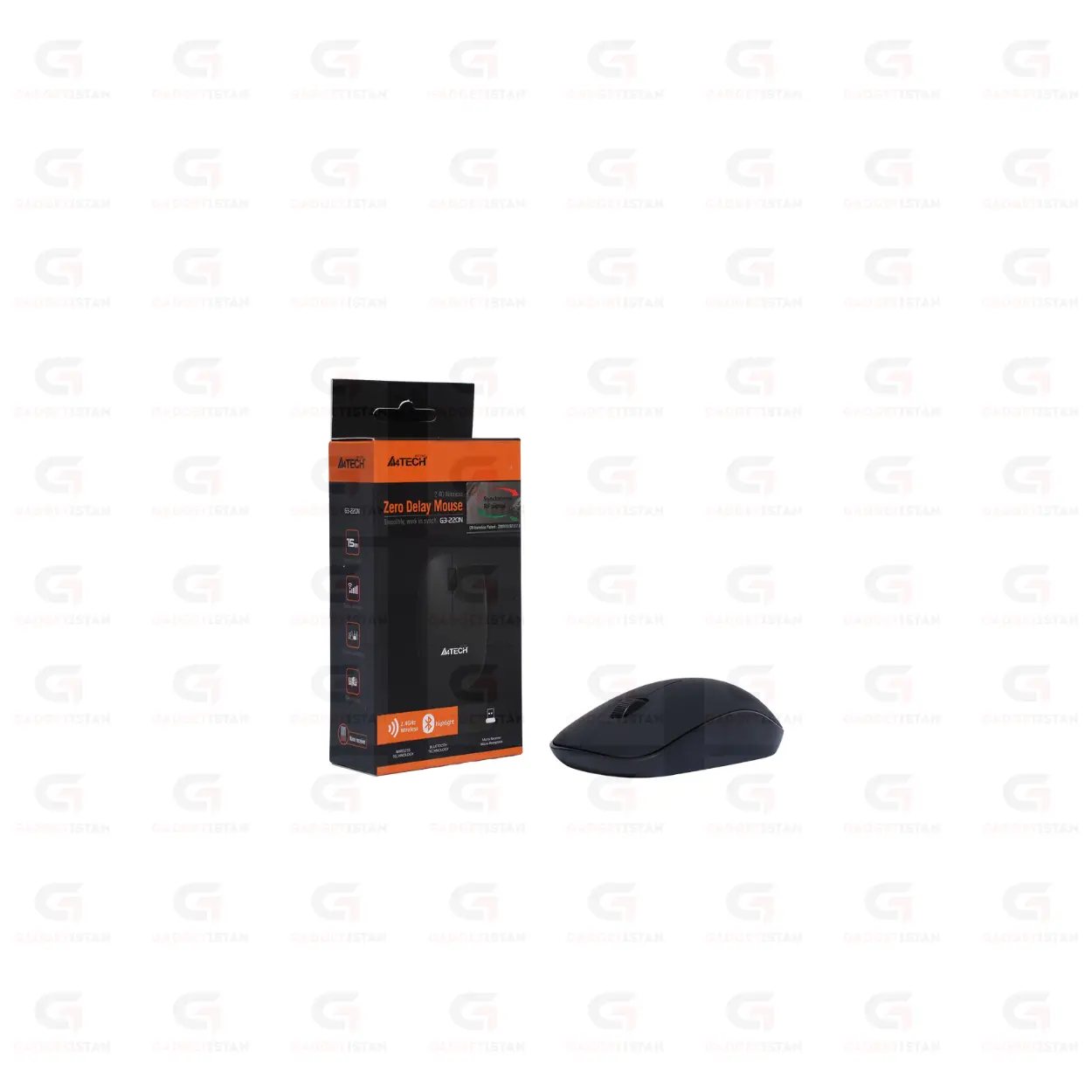
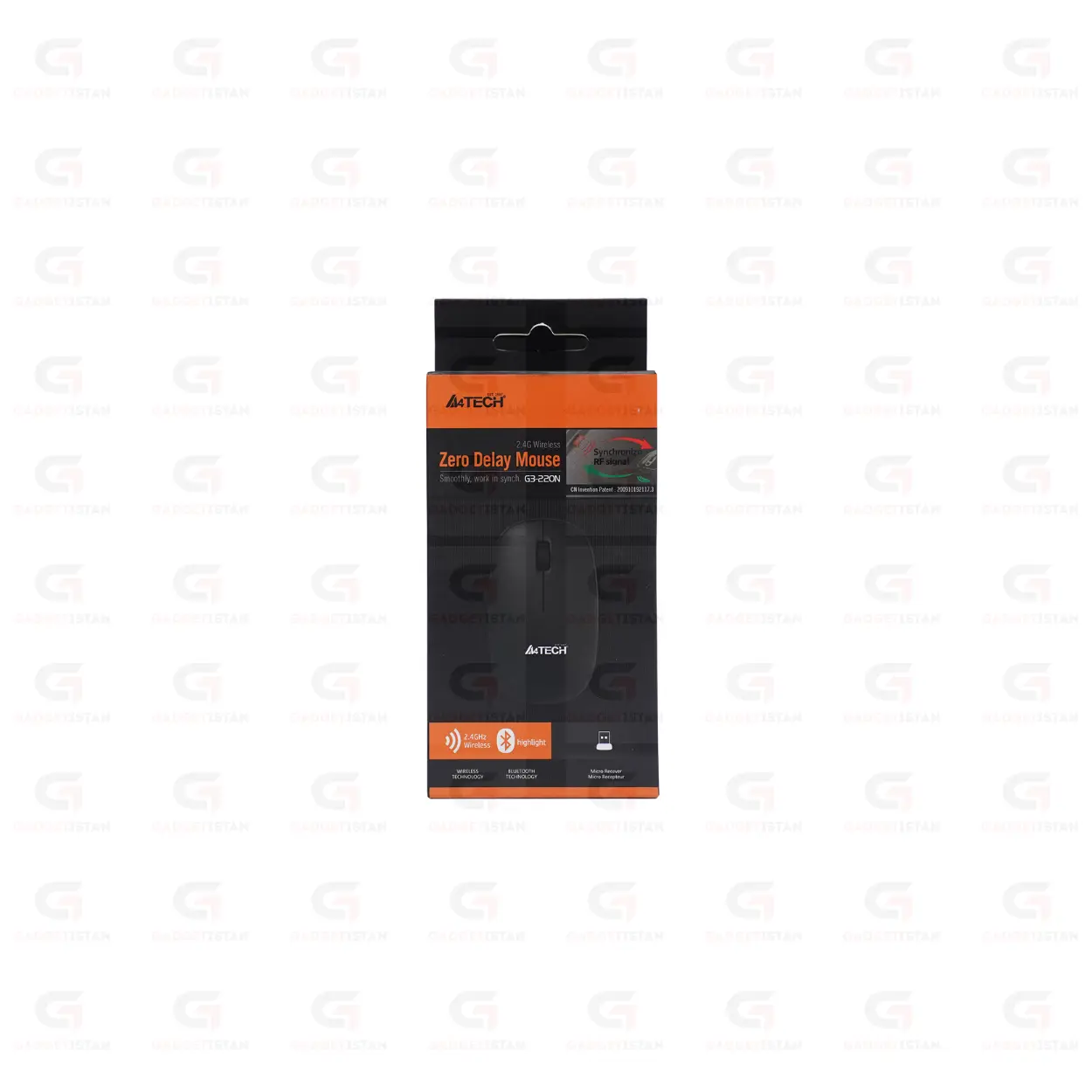
The A4Tech G3-220N is a 2.4GHz wireless optical mouse built around A4Tech’s Zero Delay wireless transmission technology, which is designed to minimize input latency between hand movement and cursor response. It connects through a USB nano receiver, offers a wireless range of 10 to 15 meters, delivers up to 12 months of battery life on a single battery through an intelligent auto-sleep system, and works on Windows 7 through Windows 11, macOS, and Linux without driver installation. The slim ergonomic body is lightweight and suited to daily carry in a laptop bag.
A4Tech is a Taiwanese peripheral manufacturer with over 30 years of production experience, distributing mice, keyboards, webcams, and headsets across more than 100 countries. The G3-220N sits in their standard wireless productivity lineup, distinct from the G3-200NS which features silent click switches. The G3-220N prioritizes response speed through Zero Delay technology rather than noise reduction.
Available at Gadgetistan | Price: Rs 1500 | Fast delivery across Pakistan
Zero Delay Technology – What It Means in Practice
A4Tech’s Zero Delay is a proprietary wireless transmission protocol designed to reduce the time between a physical mouse movement or click and the corresponding action registering on screen. Standard 2.4GHz wireless mice have an inherent transmission cycle where movement data is sent to the receiver at a set polling interval. Zero Delay optimizes this transmission cycle to minimize the gap between input and response.
In practical terms, the difference between Zero Delay and a standard 2.4GHz mouse is most noticeable during fast cursor movements and rapid clicking sequences. For office work including document editing, spreadsheet navigation, and web browsing, both standard and Zero Delay mice feel responsive at normal use speeds. The Zero Delay advantage becomes more apparent during faster-paced tasks such as switching between multiple open applications, fast-scrolling through long documents, or light casual gaming where quick directional changes are frequent.
Zero Delay does not mean the mouse operates with literally zero latency. All wireless transmission involves some processing time. The term refers to A4Tech’s reduction of unnecessary delays in their transmission protocol relative to standard 2.4GHz polling cycles. For competitive gaming requiring the absolute lowest possible latency, a wired mouse still has an advantage. For productive everyday computing and casual use, Zero Delay provides a noticeably snappier feel compared to basic 2.4GHz office mice.
2.4GHz Wireless with 10 to 15 Meter Range
The G3-220N connects through a USB nano receiver using 2.4GHz RF transmission. The receiver plugs into any USB-A port and pairs to the mouse automatically when switched on. No software, Bluetooth pairing, or configuration steps are required.
The wireless range of 10 to 15 meters extends slightly beyond the standard 10-meter range of most wireless office mice. This provides comfortable coverage for conference room presentations, classroom use where the user moves around, and larger home office or living room setups where the computer sits at a distance from the seating area.
At typical desk distances of 30 to 60 cm between mouse and receiver, signal performance is stable with no noticeable latency. The G3-220N uses A4Tech’s wireless transmission protocol to minimize interference from 2.4GHz Wi-Fi networks sharing the same band.
If your laptop only has USB-C ports, a USB-A to USB-C adapter is needed to use the receiver. The G3-220N does not connect via Bluetooth.
Nano receiver storage battery comparment.
Optical Sensor and DPI
The G3-220N uses an optical sensor for cursor tracking. It performs reliably on most standard flat surfaces including wooden desktops, fabric mouse pads, plastic tabletops, and smooth cloth surfaces. It does not track accurately on transparent glass or mirror-finish reflective surfaces.
At 1000 DPI on a standard 1080p monitor, cursor speed is controlled and well-suited to document editing, spreadsheet work, and everyday web browsing. Combined with Zero Delay transmission, cursor movement feels immediate and accurate at this DPI level for daily productivity tasks.
12-Month Battery Life with Auto-Sleep
The G3-220N runs on 1AA Alkaline Battery and delivers up to 12 months of battery life under typical daily use. A4Tech achieves this through an intelligent auto-sleep mode that activates after a brief period of inactivity and drops power consumption significantly. The mouse wakes immediately on movement or click with no noticeable delay from sleep.
Battery life of up to 12 months means one battery replacement per year under normal use, which keeps running costs minimal. Actual battery life varies with daily usage hours, movement intensity, and battery brand. Using a quality alkaline battery from a recognized brand extends life toward the upper end of the stated range.
A physical on/off switch on the underside of the mouse cuts power completely during transport, preventing battery drain when the mouse is in a bag between sessions.
1AA Alkaline Battery
Slim Ergonomic Body for Laptop Users
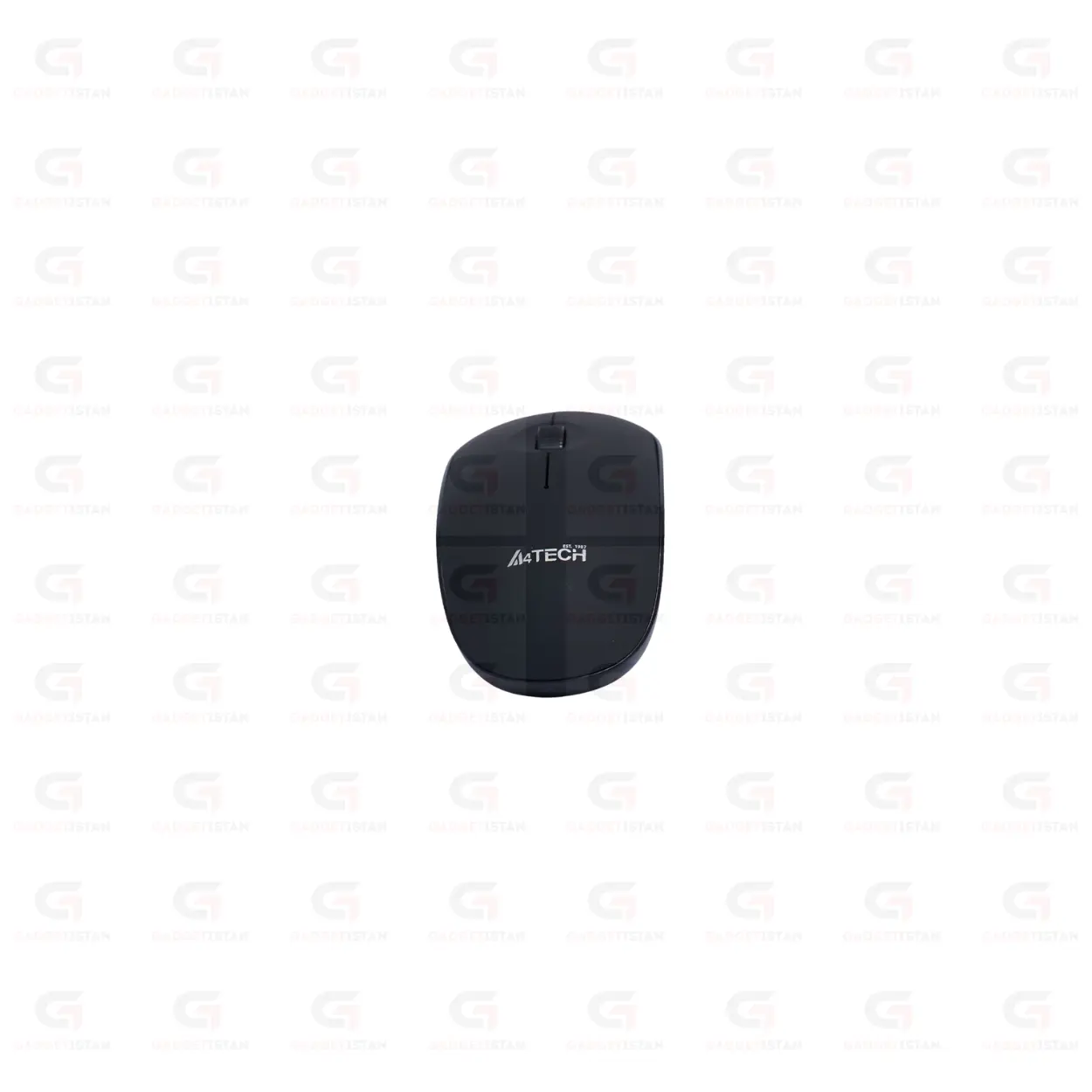
The G3-220N has a slim ergonomic profile designed for laptop users who carry their mouse daily. The slim body fits easily in a laptop bag side pocket without adding bulk, and the lightweight construction keeps hand fatigue low during extended desk sessions.
The standard three-button layout includes left click, right click, and a center scroll wheel with middle-click function.
How the G3-220N Differs from the G3-200NS
Both are A4Tech 2.4GHz wireless optical mice in the same price range, but they target slightly different priorities.
The G3-200NS features silent click switches that reduce button noise by 80 to 90 percent, a right-hand ergonomic body with rubberized grips, and a standard 10-meter wireless range. It is the better choice for users whose primary need is quiet operation in shared offices, libraries, and late-night home sessions.
The G3-220N features Zero Delay transmission for faster cursor response, a slightly extended 10 to 15 meter wireless range, and a slim profile suited to daily carry. It uses standard audible click switches. It is the better choice for users who prioritize response speed and portability over quiet operation.
If you need silent clicks, choose the G3-200NS. If you need faster response and a slimmer travel-friendly body, choose the G3-220N.
Plug-and-Play on Windows, macOS, and Linux
The G3-220N uses the USB HID standard, which is natively supported by all major operating systems. No driver installation or software download is needed on Windows 7, Windows 8, Windows 10, Windows 11, macOS, or Linux. Plug the nano receiver into a USB port, switch the mouse on, and it connects within seconds.
It works on locked-down office and university computers where software installation is not permitted. A4Tech produces optional companion software for advanced configuration, but the G3-220N operates fully for standard use without it.
Who Should Buy the A4Tech G3-220N?
The G3-220N suits laptop users and everyday productivity workers who want a fast-responding wireless mouse with long battery life in a slim, portable body. It is particularly well suited to students who carry their mouse between home and university, remote workers who move between different workspaces during the day, professionals who present in conference rooms and need a slightly extended wireless range, and users who notice input lag on basic wireless mice and want a more responsive feel.
It is not a gaming mouse. Despite the Zero Delay branding, the polling rate and DPI are tuned for office productivity rather than competitive gaming precision. Users who need adjustable high DPI, programmable buttons, or the lowest possible polling latency for competitive gaming should consider a dedicated gaming mouse. For everyday office and study use where faster wireless response is valued, the G3-220N is a practical and well-priced choice.
Technical Specifications
| Specification | Details |
| Brand | A4Tech |
| Model | G3-220N |
| Product Type | Wireless Optical Mouse |
| Wireless Technology | 2.4GHz RF with Zero Delay |
| Wireless Range | Up to 10 to 15 meters |
| Receiver Type | USB Nano Receiver |
| Receiver Storage | Battery comparment |
| Sensor Type | Optical |
| DPI | 1000 DPI |
| Click Type | Standard |
| Buttons | 3 buttons |
| Scroll Wheel | Yes stepped |
| Grip Style | Symmetric |
| Power Source | 1AA Alkaline Battery |
| Battery Included | Yes |
| Battery Life | Up to 12 months (typical daily use) |
| Auto Sleep Mode | Yes |
| On/Off Switch | No |
| Installation | Plug-and-play, no drivers required |
| Supported OS | Windows 7 to 11, macOS, Linux |
| Compatible Devices | Laptop, Desktop PC, Notebook, Mini PC |
| Weight | 86 G |
| Color | Black |
| Price (Pakistan) | Rs 1500 |
Fill in before publishing: DPI value, battery type, battery life confirmation, grip style, button count, scroll wheel type, receiver storage slot, weight, color, and whether battery is included. DPI and grip style are the two most important to confirm first.
Frequently Asked Questions
What is A4Tech Zero Delay technology and how does it affect cursor performance?
Zero Delay is A4Tech’s proprietary wireless transmission protocol that reduces the time between physical mouse input and cursor response on screen. Standard 2.4GHz mice transmit movement data at a set polling interval, which can introduce a small but perceptible delay during fast movements. Zero Delay optimizes the transmission cycle to minimize this gap, producing a more immediate cursor response. The difference is most noticeable during fast cursor movements, rapid clicking, and quick directional changes. For competitive gaming the advantage is moderate compared to a wired mouse, but for everyday productivity and casual use, Zero Delay produces a noticeably snappier feel than basic wireless mice.
How is the G3-220N different from the A4Tech G3-200NS?
The G3-200NS and G3-220N are both A4Tech 2.4GHz wireless mice, but they target different priorities. The G3-200NS has silent click switches that reduce button noise by around 80 to 90 percent, a right-hand ergonomic body with rubberized grips, and a standard 10-meter range. The G3-220N has standard audible click switches, Zero Delay transmission for faster response, a slim profile suited to daily carry, and a slightly extended 10 to 15 meter range. Choose the G3-200NS if quiet operation is your priority. Choose the G3-220N if faster wireless response and a slimmer travel-friendly body matter more.
How long does the battery last on the A4Tech G3-220N?
The G3-220N delivers up to 12 months of battery life from a single [verify battery type] battery under typical daily use. An automatic sleep mode activates during inactivity to conserve power, and the mouse wakes immediately on movement or click. A physical on/off switch on the underside cuts power completely during transport to prevent drain in a bag. Using a quality alkaline battery from a recognized brand helps achieve the upper end of the stated battery life. Actual battery life varies with daily usage hours and movement intensity.
Does the G3-220N require driver installation?
No. The mouse uses the USB HID standard, which is natively supported by Windows 7 through Windows 11, macOS, and Linux. Plug the nano receiver into a USB-A port, switch the mouse on, and it connects automatically within seconds. No software download, CD, or pairing procedure is needed. It also works on locked-down office and university computers where software installation is not permitted.
What is the wireless range of the G3-220N and when does the extended range matter?
The G3-220N operates at up to 10 to 15 meters using 2.4GHz RF transmission. At typical desk distances of 30 to 60 cm from the receiver, the connection is stable with no noticeable latency. The extended range compared to standard 10-meter mice becomes practically useful in conference rooms where the user presents while a laptop sits at the front of the room, classrooms where a teacher moves around while controlling a projected display, and larger room setups where the computer is further from the seating position.
What is the price of the A4Tech G3-220N in Pakistan?
The A4Tech G3-220N Zero Delay 2.4GHz Wireless Mouse is available at Gadgetistan for Rs 1500. Order online for fast delivery to Lahore, Karachi, Islamabad, Rawalpindi, Faisalabad, Multan, Peshawar, Sialkot, Gujranwala, and all major cities across Pakistan.
Buy A4Tech G3-220N Wireless Mouse Online in Pakistan
The A4Tech G3-220N is a well-specified everyday wireless mouse for laptop users and productivity workers in Pakistan who want faster wireless response through Zero Delay technology, long battery life, and a slim portable design. It covers daily office and study tasks cleanly while offering a more immediate cursor feel than basic 2.4GHz wireless mice at a similar price.
Order today from Gadgetistan and get fast delivery to Lahore, Karachi, Islamabad, Rawalpindi, Faisalabad, Multan, Peshawar, Sialkot, Gujranwala, and all major cities across Pakistan.

Reviews
There are no reviews yet.