
Description
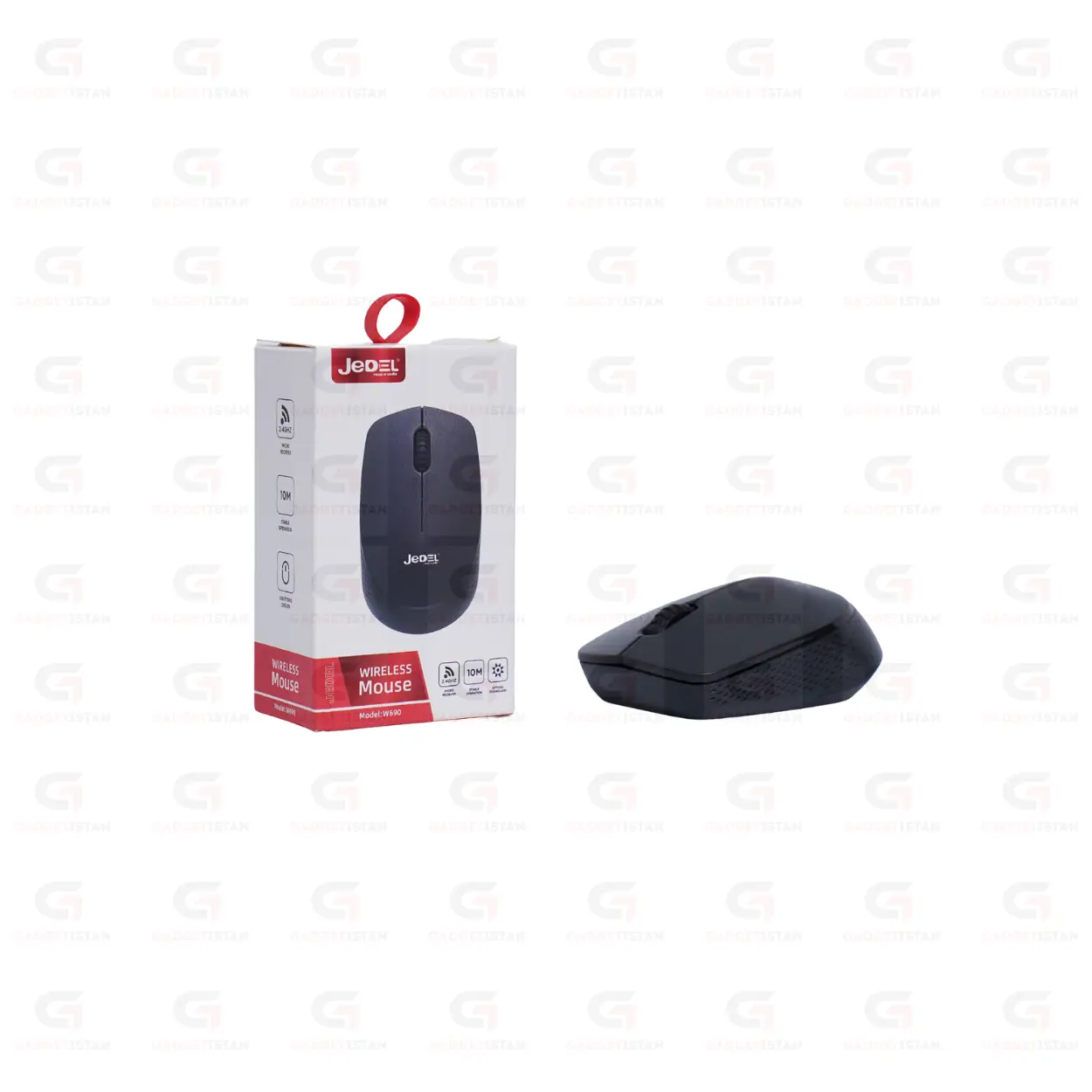
JeDEL W690 USB Wireless Mouse – 1000 DPI 2.4GHz Optical Mouse for Laptop and PC
The JeDEL USB Wireless Mouse W690 2.4GHz with a fixed 1000 DPI optical sensor, a standard three-button layout, and a 10-meter wireless operating range. It connects through a USB nano receiver with plug-and-play setup and works on Windows 7 through Windows 11, macOS, and Linux without driver installation. The ergonomic body is lightweight and designed for comfortable extended desk sessions.
JeDEL is a budget peripheral brand producing affordable wireless mice and keyboards for the home and office market. The W690 is their everyday wireless mouse model built around reliable 2.4GHz connectivity and comfortable daily use at an accessible price.
Available at Gadgetistan | Price: Rs 950 | Fast delivery across Pakistan
1000 DPI Fixed Optical Sensor
The W690 uses a fixed 1000 DPI optical sensor. DPI stands for dots per inch and determines how far the cursor moves on screen relative to physical hand movement. At 1000 DPI on a standard 1080p monitor, the cursor moves at a controlled, steady pace well suited to document editing, spreadsheet work, web browsing, and online class navigation.
1000 DPI is the standard for everyday office mice. It provides enough cursor speed to navigate a standard monitor comfortably without the overshooting that can occur at higher DPI settings during precise tasks. DPI is fixed on this model and is not switchable.
The optical sensor tracks reliably on most standard flat surfaces including wooden desktops, fabric mouse pads, plastic tabletops, and smooth cloth surfaces. It does not track accurately on transparent glass or mirror-finish reflective surfaces. A standard fabric or hard surface mouse pad provides the most consistent tracking performance.
Standard Three-Button Layout
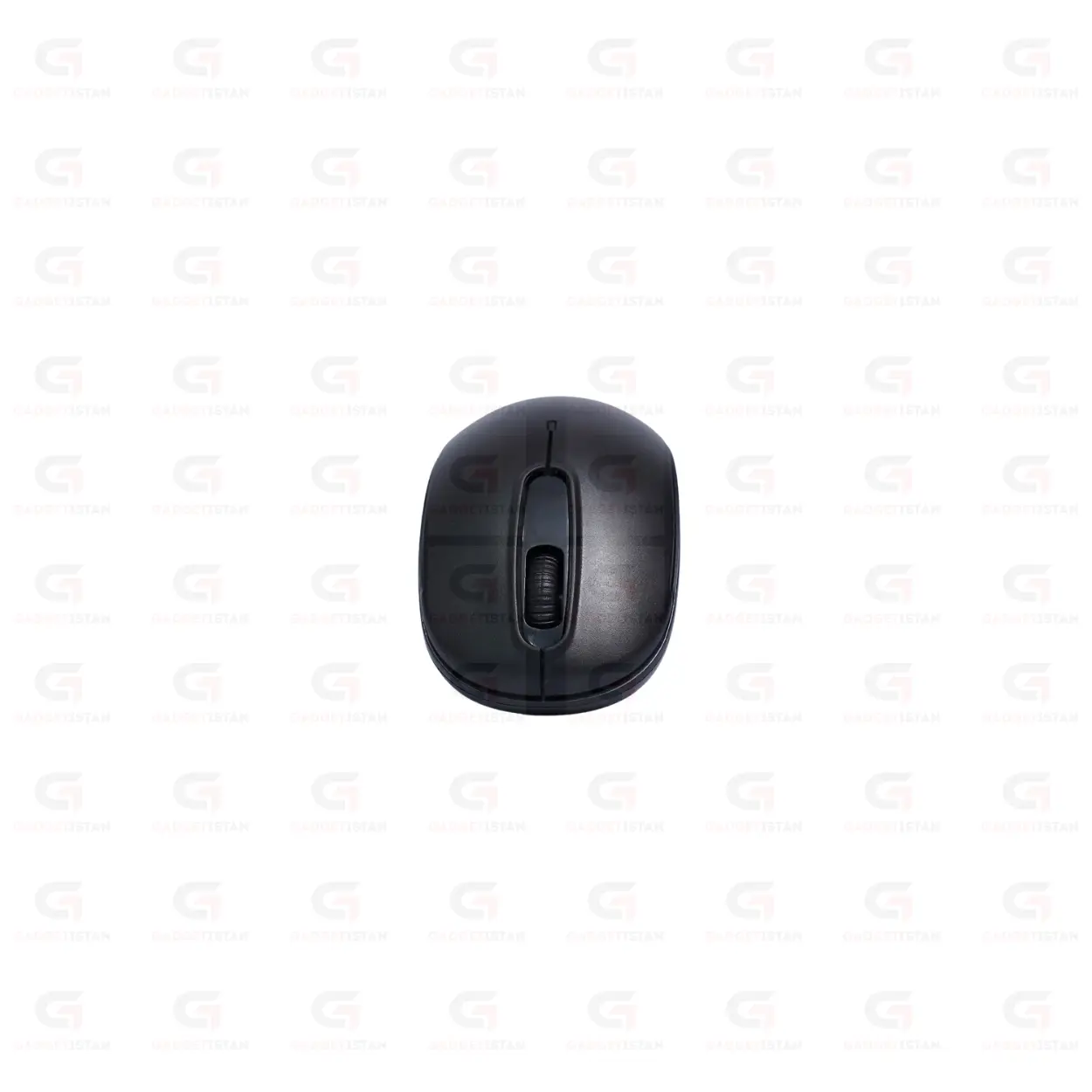
The W690 uses a standard three-button layout: left click, right click, and a center scroll wheel that also functions as a middle-click button. This covers all everyday computing tasks including web browsing, document editing, spreadsheet navigation, and video playback control.
The scroll wheel handles vertical scrolling through documents and web pages.The scroll wheel is smooth.
There are no side navigation buttons on this model. Users who need browser back and forward thumb buttons should look at a four or five-button mouse. For standard office and study use where left click, right click, and scrolling cover the daily workflow, the three-button layout is sufficient.
2.4GHz Wireless Connection and 10-Meter Range
The W690 connects through a USB nano receiver using 2.4GHz RF wireless transmission. The receiver plugs into any USB-A port and pairs to the mouse automatically when switched on. No software, Bluetooth pairing, or configuration steps are required.
The operating range is up to 10 meters. At typical desk distances of 30 to 60 cm between the mouse and receiver, the connection is stable with no noticeable cursor lag during everyday office and study tasks. The nano receiver is compact enough to leave plugged into a laptop permanently without getting in the way.
If your laptop only has USB-C ports, a USB-A to USB-C adapter is needed to use the receiver. The W690 does not connect via Bluetooth.
Nano receiver has a storage slot in the battery comparment.
Ergonomic Body for Extended Use
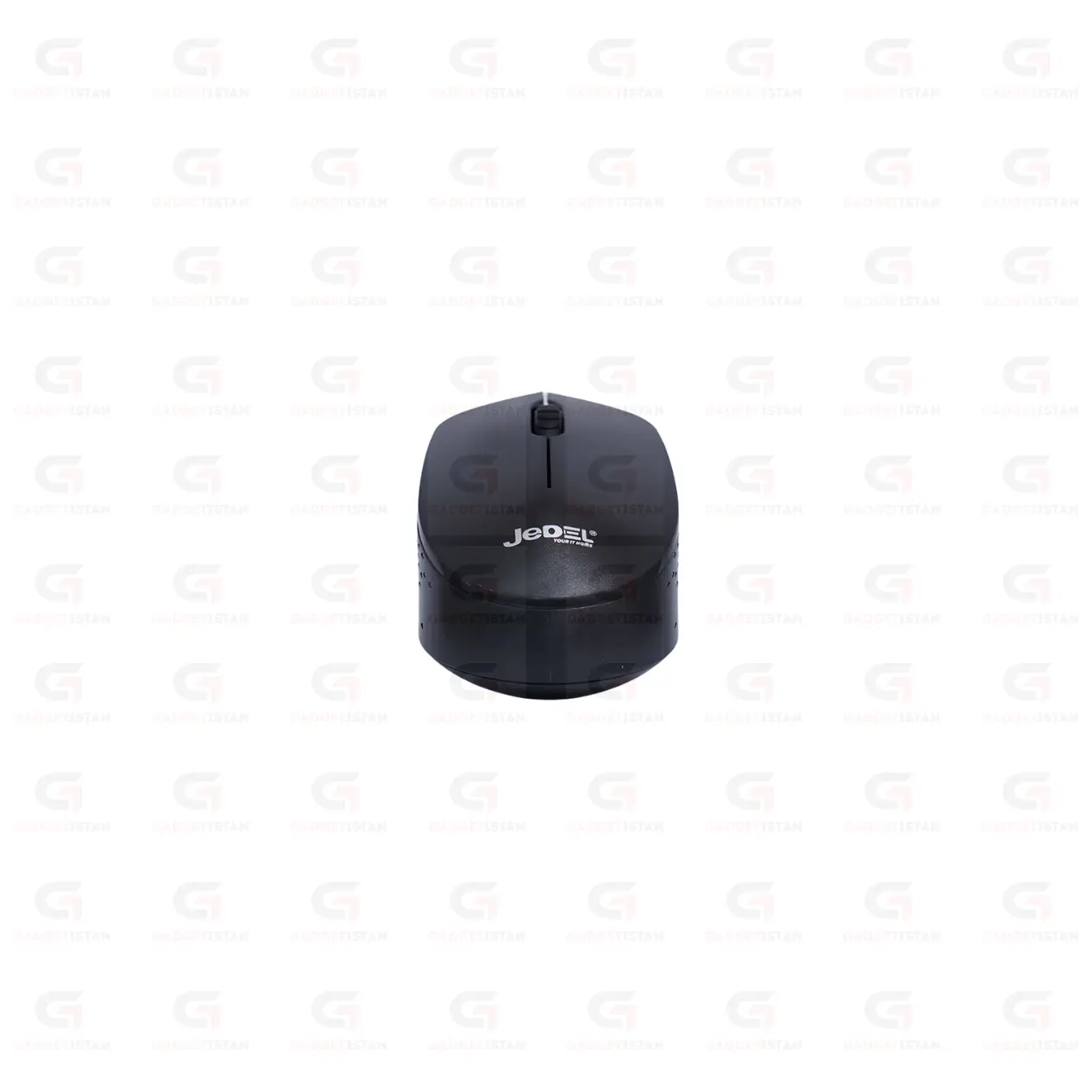
The W690 has an ergonomic contoured body designed to support a comfortable hand position during extended desk sessions.The mouse shape is ambidextrous.
The lightweight construction keeps hand and wrist fatigue low during long office or study sessions.The mouse weight 43 grams.
The grip surface material is ABS plastic.
Battery and Power Management
The W690 runs on 1x AA. An automatic sleep mode activates after a period of inactivity to conserve battery life, and the mouse wakes immediately when moved or clicked.
Estimated battery life 1 to 2 weeks.
A physical on/off switch is not on the underside of the mouse.
Plug-and-Play on Windows, macOS, and Linux
The W690 uses the USB HID standard, which is natively supported by all major operating systems. No driver installation is needed on Windows 7, Windows 8, Windows 10, Windows 11, macOS, or Linux. Plug the nano receiver into a USB port, switch the mouse on, and it connects within seconds.
It works on locked-down office and university computers where software installation is not permitted. No companion software is required for standard use.
Who Should Buy the JeDEL W690?
The W690 is suited to students, office workers, and home users who want a reliable wireless mouse for everyday computing at a budget price. The fixed 1000 DPI optical sensor handles standard office and study tasks comfortably on a 1080p monitor. The three-button layout covers all routine computing actions. The 10-meter wireless range and plug-and-play setup keep daily use simple and maintenance-free.
It is not designed for gaming. The fixed 1000 DPI and three-button layout without programmable buttons or high polling rate place it clearly in the everyday productivity category. Users who need adjustable DPI, side navigation buttons, or gaming performance should consider a more feature-rich model. For clean, uncomplicated wireless computing at a low price, the W690 delivers.
Technical Specifications
| Specification | Details |
| Brand | JeDEL |
| Model | W690 |
| Product Type | Wireless Optical Mouse |
| Wireless Technology | 2.4GHz RF |
| Wireless Range | Up to 10 meters |
| Receiver Type | USB Nano Receiver |
| Receiver Storage | Receiver storage on battery comparment |
| Sensor Type | Optical |
| DPI | 1000 (fixed) |
| Total Buttons | 3 (Left, Right, Scroll Wheel Click) |
| Side Buttons | No |
| Scroll Wheel | Yes smooth |
| Grip Style | Ambidextrous |
| Power Source | 1x AA |
| Battery Life | 1 to 2 weeks (Depend on use) |
| Auto Sleep Mode | Yes |
| On/Off Switch | No |
| Installation | Plug-and-play, no drivers required |
| Supported OS | Windows 7 to 11, macOS, Linux |
| Compatible Devices | Laptop, Desktop PC, Notebook, Mini PC |
| Weight | 43 grams |
| Color | Black |
| Price (Pakistan) | Rs 950 |
Frequently Asked Questions
What DPI does the JeDEL W690 use and is it adjustable?
The W690 uses a fixed 1000 DPI optical sensor. DPI is not adjustable on this model and there is no DPI switching button. At 1000 DPI on a standard 1080p monitor, cursor speed is controlled and well suited to document editing, web browsing, spreadsheet navigation, and online class use. Users who need switchable DPI levels for different tasks, or higher DPI for large or multiple monitors, should consider a mouse with an adjustable DPI button.
Does the JeDEL W690 have side navigation buttons?
No. The W690 has a standard three-button layout: left click, right click, and a center scroll wheel with middle-click function. There are no side thumb buttons for browser back and forward navigation. For users who rely heavily on side navigation buttons during daily browsing and file management, a four or five-button mouse would be more suitable. For standard office and study tasks where the three main buttons cover the daily workflow, the W690 handles everything needed.
Does the JeDEL W690 require driver installation?
No. The W690 uses the USB HID standard, which is natively supported by Windows 7 through Windows 11, macOS, and Linux. Plug the USB nano receiver into a USB-A port, switch the mouse on using the button on the underside, and it connects automatically within seconds. No software download, CD, or pairing procedure is needed. It also works on locked-down office and university computers where software installation is not permitted.
What battery does the W690 use and how long does it last?
The W690 runs on 1x AA. It includes an automatic sleep mode that activates during inactivity to extend battery life, and a physical on/off switch on the underside to cut power completely during transport.Using a quality alkaline battery from a recognized brand generally extends battery life compared to budget batteries.
What is the wireless range of the JeDEL W690?
The W690 operates at a wireless range of up to 10 meters using 2.4GHz RF transmission. At typical desk distances of 30 to 60 cm between the mouse and receiver, the connection is stable with no noticeable cursor lag for office and study tasks. The 2.4GHz band is shared with Wi-Fi networks, and heavy wireless congestion in some environments may occasionally cause brief interference, though this is uncommon in standard home and office setups.
What is the price of the JeDEL W690 in Pakistan?
The JeDEL USB Wireless Mouse W690 is available at Gadgetistan for Rs 950. Order online for fast delivery to Lahore, Karachi, Islamabad, Rawalpindi, Faisalabad, Multan, Peshawar, Sialkot, Gujranwala, and all major cities across Pakistan.
Buy JeDEL W690 USB Wireless Mouse Online in Pakistan
The JeDEL W690 is a clean, no-frills wireless mouse for everyday productivity use. Fixed 1000 DPI optical tracking, a standard three-button layout, 10-meter 2.4GHz wireless connection, and plug-and-play compatibility with Windows, macOS, and Linux make it a dependable daily driver for students, office workers, and home users who want reliable wireless performance at a budget price.
Order today from Gadgetistan and get fast delivery to Lahore, Karachi, Islamabad, Rawalpindi, Faisalabad, Multan, Peshawar, Sialkot, Gujranwala, and all major cities across Pakistan.

Reviews
There are no reviews yet.